
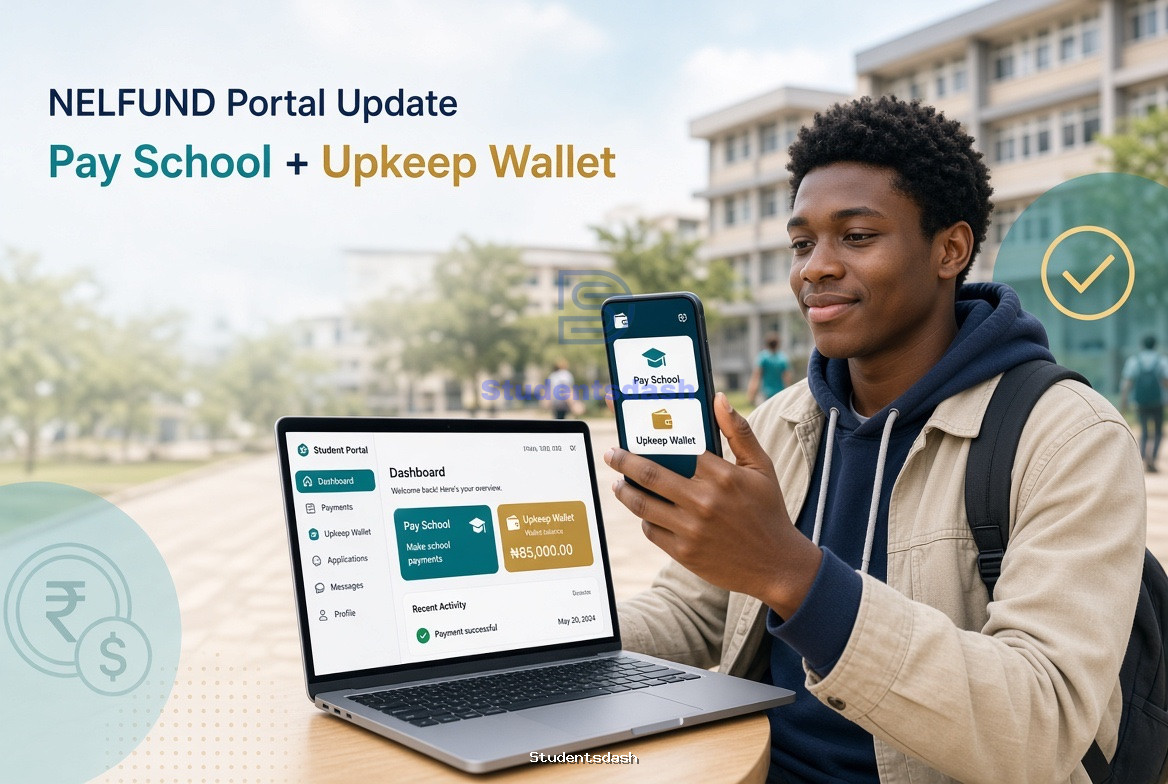
NELFUND has rolled out two important updates on the student portal: a Pay School step that sends your application to your institution, and an upkeep wallet where you can see and withdraw approved upkeep.
If you skip the new steps, your school-fee loan and upkeep can sit there looking “complete” while nothing actually moves. This guide explains what changed, how to use the new features, and where to get help.
Need someone to walk you through the portal?
Studentsdash helps students check status, complete Pay School, fix fee disputes, and follow up on upkeep. WhatsApp 07075012541.
What changed on the NELFUND portal?
1. Pay School (new status sent to your institution)
After you fill the application, you now have to click Pay School.
That button is what officially submits your request to your school. NELFUND has made it clear: if you do not complete Pay School, neither the institutional fee loan nor the linked upkeep will be processed — even if the rest of the form looks finished.
There is also a Fee Disputes option. Use it if the school fee amount shown on your application is wrong.
Do this:
- Log in at portal.nelf.gov.ng
- Check for Action Required
- Confirm or dispute the fee amount
- Click Pay School
- Follow up with your school’s NELFUND desk so they verify you quickly
Pay School does not mean the money lands in your personal account. Institutional charges still go to the school. Upkeep is separate.
2. Upkeep wallet (new on the NELFUND portal)
Students have started seeing a wallet on the NELFUND dashboard for upkeep.
Instead of only waiting for a bank alert, you can now check the wallet for approved upkeep and withdraw it from the portal when it is available.
Do this:
- Log in to the NELFUND portal
- Open the wallet / upkeep section
- Confirm the approved amount
- Withdraw to your registered bank account if the option is active
Use a regular commercial bank account linked to your BVN. Fintech wallets like OPay or Palmpay have caused failed upkeep payments in the past.
How the two features work together
|
Step |
What it does |
If you skip it |
|
Complete application |
Creates your loan request |
Nothing starts |
|
Fee Disputes |
Corrects wrong school fees |
School may reject or delay |
|
Pay School |
Sends status to your institution |
School fees and upkeep stay unprocessed |
|
School verification |
School confirms you are a student |
Status stays pending |
|
School-fee payment |
NELFUND pays the institution |
You may still be blocked from registration |
|
Upkeep wallet |
Shows / pays your ₦20,000 upkeep |
You wait longer or miss the payment |
Upkeep is still tied to your current academic session. When that session ends, upkeep for that year stops. You apply again at the start of the next session.
Common problems (and what to do)
“Only school fees shows on my status, not upkeep.”
Finish Pay School. Upkeep is linked to the school-fee request. Then raise a ticket on the portal.
“Portal says disbursed, school says they have not seen money.”
Ask the school for an acknowledgement. Institutional payments go to the school account, not yours. Take screenshots of your dashboard.
“Wallet shows money but I cannot withdraw.”
Some school portals also have their own e-wallets. Those are different from NELFUND’s upkeep wallet. If withdrawal fails, raise a NELFUND support ticket and report it through your school IT / NELFUND desk.
“I used a fintech wallet as my bank.”
Update to a commercial bank account on the portal, then wait for revalidation.
“My application is still pending.”
Pending often means the school has not finished verification. Pay School first, then push the school.
Quick checklist for this week
- Log in to the official portal only: nelf.gov.ng / portal.nelf.gov.ng
- Ignore agents asking you to pay to “fast-track” the loan
- Complete Fee Disputes if the fee is wrong
- Click Pay School
- Check the upkeep wallet
- Confirm your bank account and BVN
- Screenshot every status change
- Follow up with your institution
NELFUND still pays institutional charges to schools and upkeep to students. A future token system (student pays the school from a phone token) has been discussed, but Pay School + the upkeep wallet are the live changes students need to use now.
Studentsdash can handle the confusing part
Portal updates move fast. One missed button can stall both your school fees and your upkeep.
Studentsdash helps students:
- Complete Pay School the right way
- Check and use the upkeep wallet
- Dispute wrong fee amounts
- Track pending / disbursed status
- Know what to tell the school when money has been sent but registration is still blocked
If you are stuck, do not keep refreshing the portal for days.
WhatsApp Studentsdash: 07075012541
Tell them your school, session, and what the portal currently shows (pending, action required, disbursed, wallet balance). They will guide you from there.
Stay on the official NELFUND site. Do not pay anyone to “approve” your loan. The application is free.
Discussion