Course Outlines
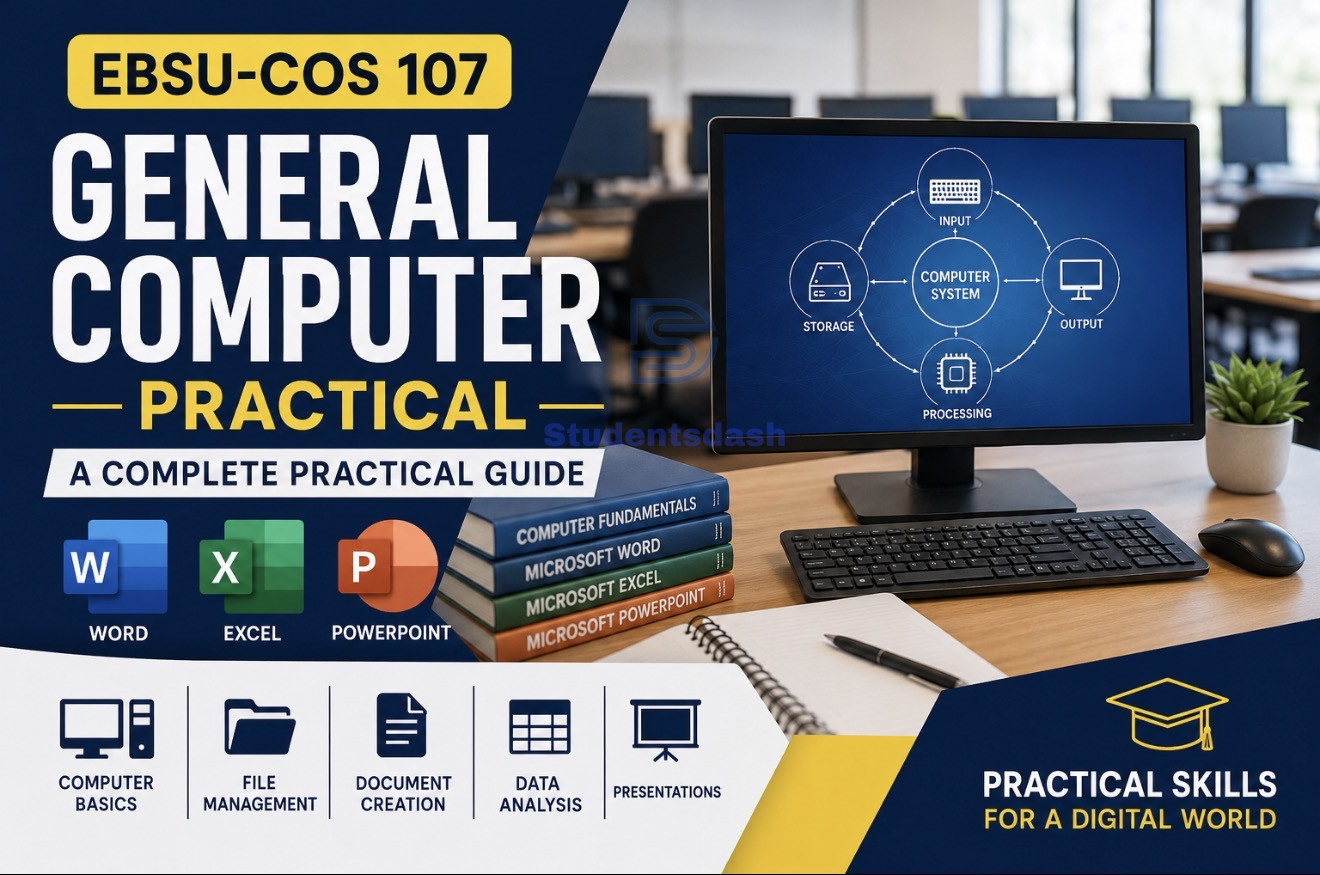
EBSU COS 107: General Computer Practical – Complete Guide for StudentsCOS 107 (General Computer Practical) is one of the most important practical courses for students because it introduces the basic computer skills needed for academic work and everyday digital activities.The course focuses on hands-on practice with computer systems, file management, Microsoft Word, Microsoft Excel, and Microsoft PowerPoint. By the end of the course, students are expected to confidently operate a computer, create documents, analyze data, and prepare presentations.Course ContentsThe COS 107 practical course covers:Introduction to Computer LaboratoryLaboratory Rules and Safety GuidelinesBasic Computer OperationsFile and Folder ManagementMicrosoft Word – Basic OperationsMicrosoft Word – Advanced FeaturesMicrosoft Excel – Basic OperationsMicrosoft Excel – Formulas and ChartsMicrosoft PowerPoint – Presentation BasicsMicrosoft PowerPoint – Advanced FeaturesContinuous Assessment TasksPractical Examination GuideIntroduction to Computer LaboratoryObjectivesThe aim of this section is to familiarize students with the computer laboratory environment and basic computer operations.Learning OutcomesStudents should be able to:Identify computer componentsOperate a computer systemPerform basic computer tasksLaboratory Rules and Safety GuidelinesStudents must observe the following laboratory rules:Do not eat or drink inside the laboratory.Handle computer equipment carefully.Follow the instructor's instructions.Do not install unauthorized software.Always log out or shut down the computer properly after use.Failure to follow these rules may result in damage to equipment or disciplinary actions.Lab 1: Basic Computer OperationsObjectiveTo learn how to start and shut down a computer system correctly.ProcedurePress the power button.Wait for the system to boot.Log in if required.Observe the desktop environment.Open the Start Menu.Shut down properly using:Start → Power → Shut DownPractical ExerciseIdentify:Input DevicesKeyboardMouseScannerOutput DevicesMonitorPrinterSpeakersAssessment QuestionExplain the booting process.Answer:Booting is the process through which a computer loads the operating system into memory after being powered on, making the system ready for use.Lab 2: File and Folder ManagementObjectiveTo learn how to create, organize, and manage files and folders.ProcedureRight-click on the Desktop.Select New → Folder.Name the folder CSC Practical.Open the folder.Right-click and select New → Text Document.Rename the file as Test File.Copy and paste the file.Delete one copy.Skills AcquiredStudents should be able to:Create foldersRename filesCopy filesDelete filesOrganize documents effectivelyLab 3: Microsoft Word – Basic OperationsObjectiveTo create and format documents.ProcedureOpen Microsoft Word.Type:Introduction to Computer ScienceApply formatting:BoldFont Size 16Center AlignmentSave as:Intro.docxExerciseType a one-page document and apply proper formatting.Assessment QuestionWhat is text formatting?Answer:Text formatting is the process of changing the appearance of text by applying styles such as bold, italics, font size, color, alignment, and spacing.Lab 4: Microsoft Word – Advanced FeaturesObjectiveTo use advanced Microsoft Word tools.Table CreationClick Insert → Table.Create a 4 × 4 table.Enter student records.Mail MergeOpen the Mailings tab.Click Start Mail Merge.Select Letters.Create a recipient list.Insert merge fields.Complete the merge process.ExerciseCreate a class attendance table.Assessment QuestionExplain mail merge and its uses.Answer:Mail merge is a Microsoft Word feature used to create multiple personalized documents such as letters, certificates, and invitations using a single template and a data source.Lab 5: Microsoft Excel – Basic OperationsObjectiveTo understand spreadsheet structures and data entry.ProcedureOpen Microsoft Excel.Enter:NameScoreStudent 170Student 265Student 380Student 490Student 575Save the workbook as:Scores.xlsxSkills AcquiredData entrySpreadsheet creationWorksheet managementLab 6: Microsoft Excel – Formulas and ChartsObjectiveTo perform calculations and visualize data.Using FormulasIn Cell C2:=B2*2Press Enter and drag down.Using FunctionsCalculate Total:=SUM(B2:B6)Calculate Average:=AVERAGE(B2:B6)Creating ChartsHighlight the data.Click Insert.Select Chart.Choose a Bar Chart.Assessment QuestionWhat is the difference between a formula and a function?Answer:A formula is an expression created by the user to perform calculations, while a function is a predefined formula provided by Excel.Lab 7: Microsoft PowerPoint – Presentation BasicsObjectiveTo create simple presentations.ProcedureOpen Microsoft PowerPoint.Choose a theme.Create:Title SlideContent SlideAdd text and images.ExerciseCreate a 5-slide presentation on:Computer BasicsAssessment QuestionWhat is a slide layout?Answer:A slide layout is the arrangement of placeholders for text, images, charts, and other elements on a PowerPoint slide.Lab 8: Microsoft PowerPoint – Advanced FeaturesObjectiveTo improve presentations using animations and transitions.AnimationsSelect an object.Click the Animations tab.Choose an animation effect.TransitionsSelect a slide.Click the Transitions tab.Apply a transition effect.Additional PracticalRun the slideshow using:Slide Show → From BeginningUse arrow keys to navigate through slides.Computer AppreciationBasic Computer SystemInput Devices → CPU → Output DevicesInput DevicesKeyboardMouseScannerProcessing UnitCPU (Central Processing Unit)Output DevicesMonitorPrinterSpeakersMemory StructurePrimary MemoryRAMROMSecondary StorageHard Disk Drive (HDD)Flash DriveCD/DVDPractical Skills AcquiredStudents should now be able to:Identify computer componentsOperate computer systems effectivelyCreate and manage files and foldersUse Microsoft Word professionallyPerform calculations using ExcelCreate charts and analyze dataDesign PowerPoint presentationsApply animations and transitionsContinuous Assessment TasksStudents are required to complete the following assignments:Assignment 1Type and format a five-page document on:"The Role of Determination in Academic Success"Requirements:Font: ArialFont Size: 11Line Spacing: 1.5Assignment 2Create a result sheet for 50 students in Microsoft Excel containing:Serial NumberStudent NameRegistration NumberScoreGradeAssignment 3Prepare a five-slide PowerPoint presentation on:Campus LifeSlides should contain:IntroductionOpportunitiesChallengesMeasures/SolutionsSummary/ConclusionPractical Examination GuideTo succeed in the COS 107 practical examination:Practice all laboratory exercises regularly.Understand file and folder management.Learn Microsoft Word formatting thoroughly.Master Excel formulas and functions.Practice creating charts.Learn PowerPoint animations and transitions.Follow all laboratory rules during examinations.ConclusionCOS 107 provides students with essential computer skills required for academic and professional success. Through regular practice, students can develop confidence in using computer systems, managing files, preparing documents, analyzing data with Excel, and creating effective presentations using PowerPoint.Students are encouraged to practice every laboratory exercise repeatedly to build competence and improve performance during practical examinations.




Discussion
No comments yet. Be the first to start the conversation!